
SolidFor output and print
- Target
- CMYK print
- Pigments
- 2 whites + 16
- Size
- Set in millimeters
The sixteen pigments, and their mixtures with white, are designed to fall inside a CMYK print gamut.
An instrument for Flat Painting · iPad
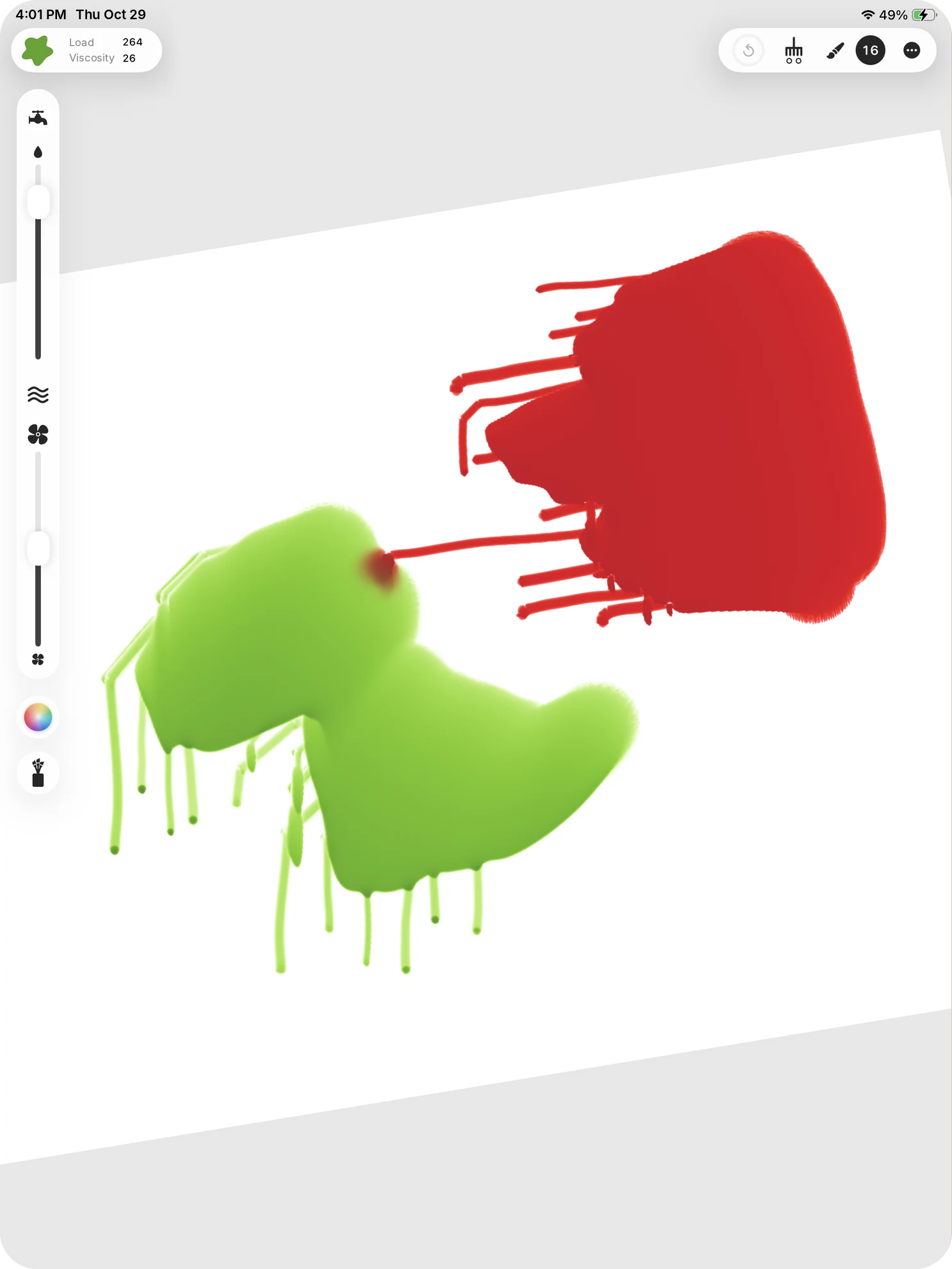
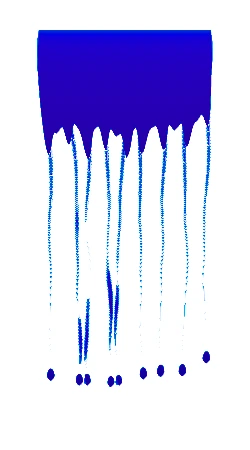
Mimesis Studio brings real-world gravity and time to digital painting, along with chance and irreversibility. Tilt the iPad and wet paint runs. Leave it and it sets. What you put down stays down.
Irreversibility
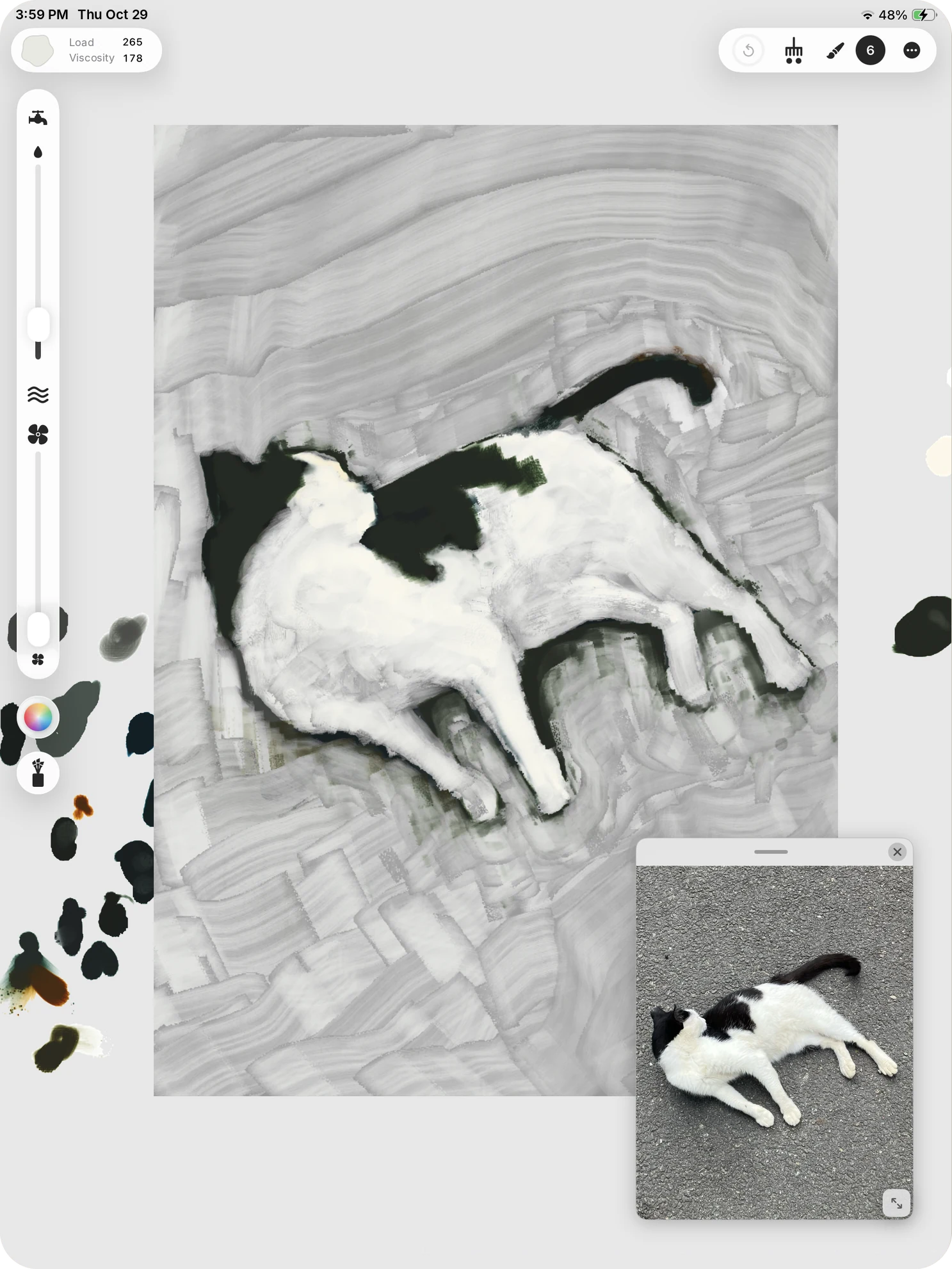
There is no undo and no eraser. To correct, paint over with white or another color, as you would on a canvas. Each artist has to learn the instrument and make it their own.
Gravity & drying
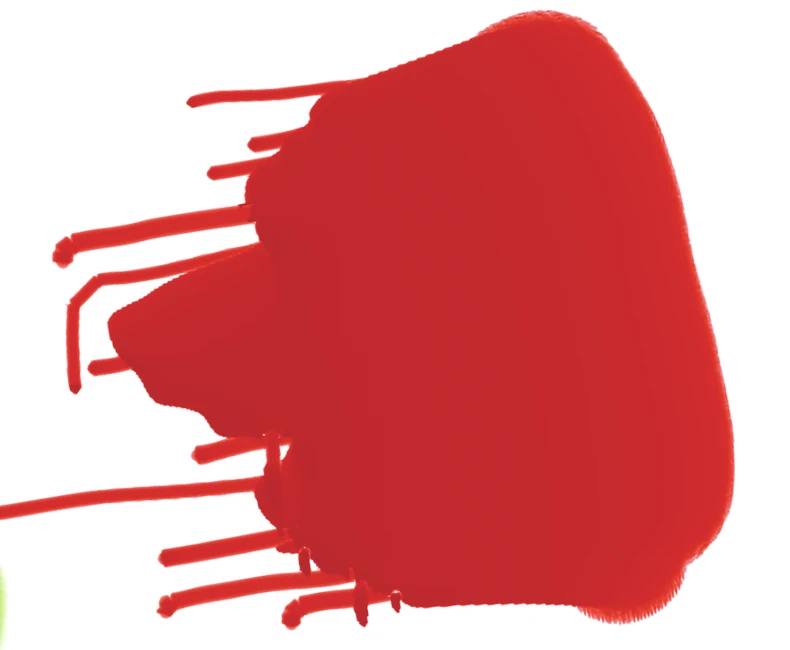
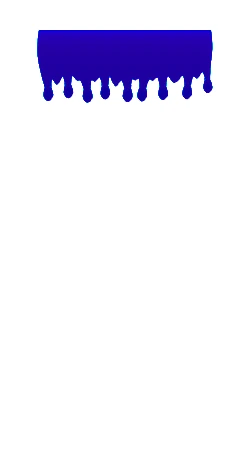
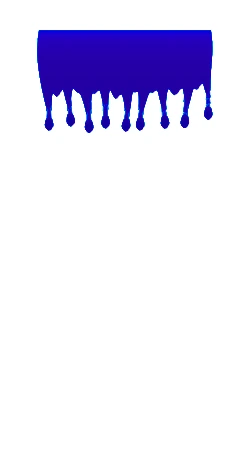
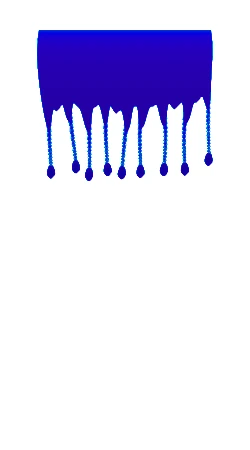
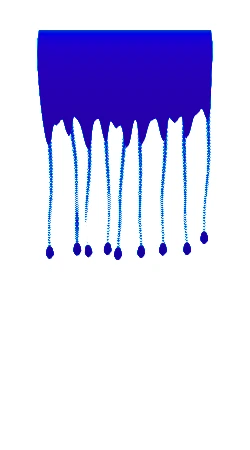
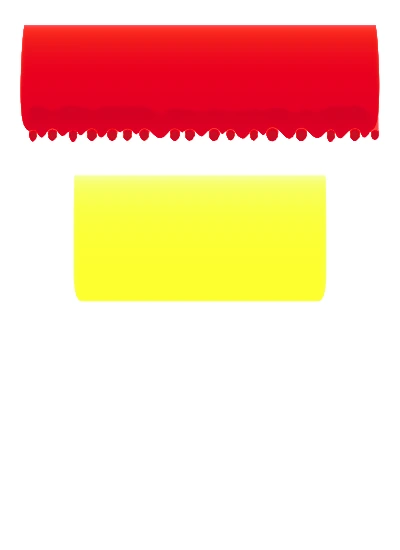
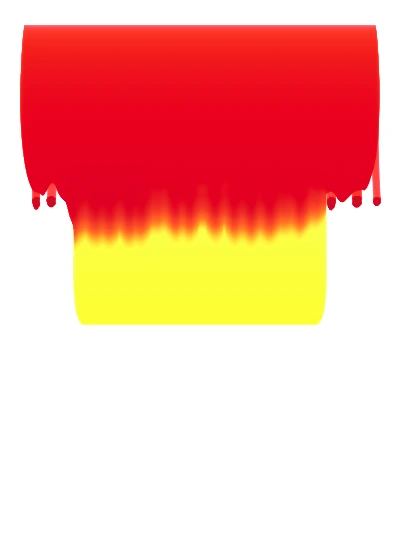
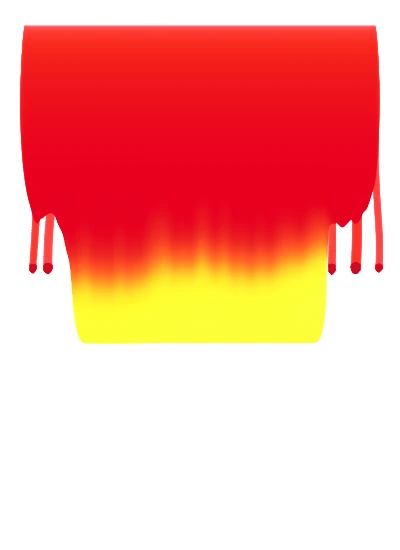
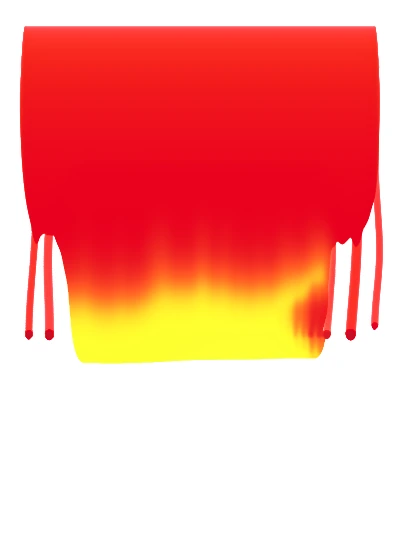
Paint runs downward, in whichever direction the iPad is tilted. Hold it upright and the paint runs fast. Lay it flat and it dries where it pools.
The Solvent slider sets the consistency. The Drying speed slider sets how fast it dries. Drying can be slowed, but never stopped or reversed. Thin paint sets in seconds; thick paint takes minutes.
The screen stays flat on purpose: no simulated lighting, gloss or texture. Edges come from the paint itself, drawn cleanly at output resolution.
Pigment & palette
Two whites and sixteen digital pigments, each designed by how it absorbs and scatters light, and mixed by those spectra. Color stays spectral until the moment of export. There is no color picker.
There is no black, either. Mix the darkest color you need: Ultramarine Blue with Burnt Umber, or Phthalo Green with Alizarin Crimson.
Everything outside the artboard is the palette. Mix colors and shades there and load them back onto the brush. A color thinned on the palette goes onto the canvas at the same strength.
Paint is used up as you paint. Rub or hold Apple Pencil on a paint well to load the brush; press harder and it fills faster. A new color mixes with what is left on the brush, so wash it first for a clean color. Fingers move and zoom the view. They never paint.
The Solid palette · 2 whites + 16 pigments
Each chip: masstone, then a tint with Titanium White. Computed from the app’s own pigment spectra; colors on screen are approximate.
Brushes
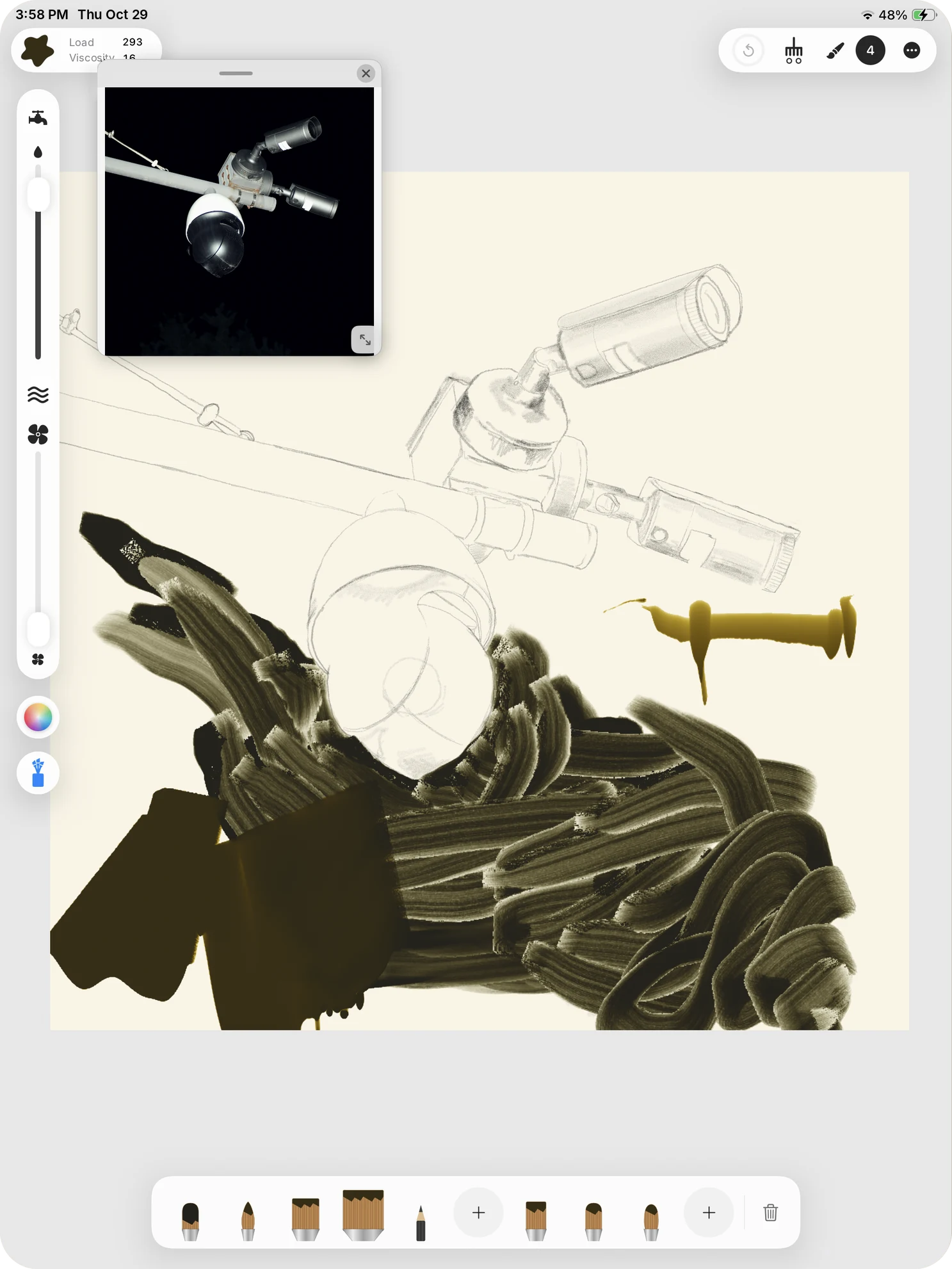
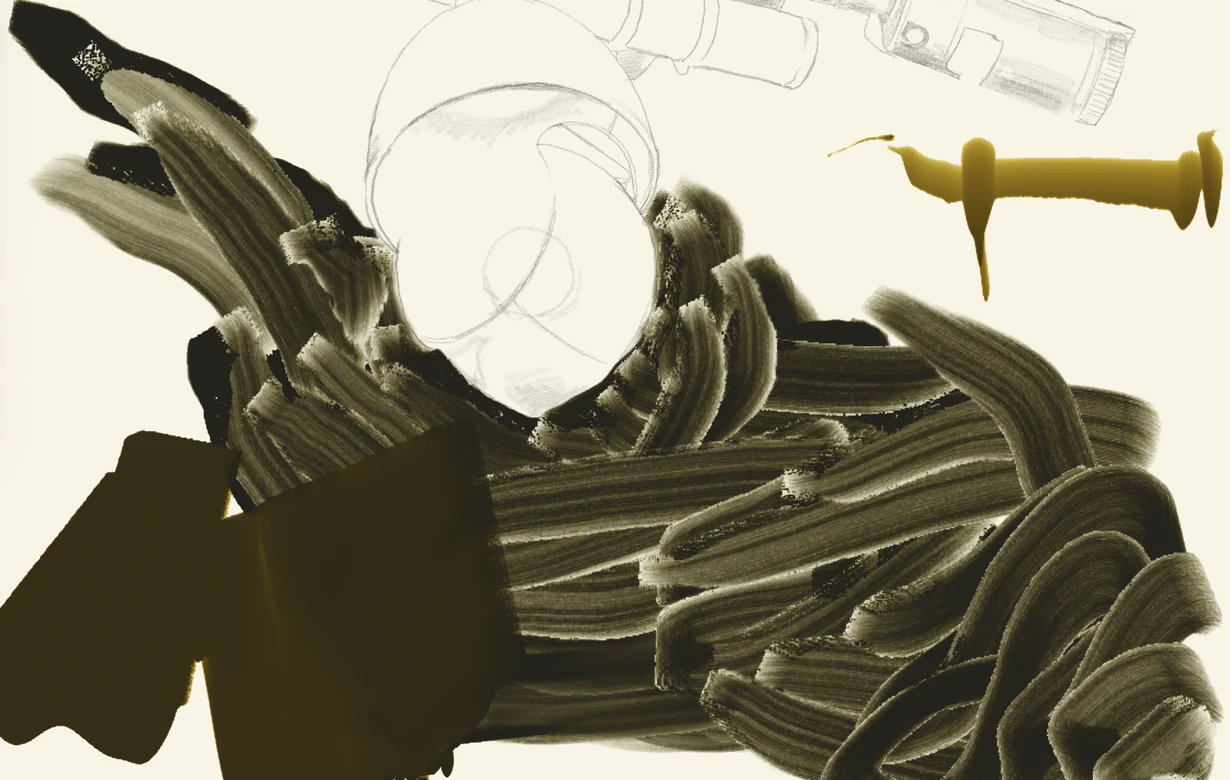
Each brush works bristle by bristle, holding paint and releasing it. Marks change with pressure, tilt and speed, and with how much paint is left. Raise the Rake level for a rough, scraped texture.
Adjust bristle layout and properties to build brushes of your own, and share them as .mimbrush files. A loaded brush can hang on the brush rack, paint and all, and be picked up again later.
Two color modes
Each artwork chooses its mode when it is created. Both mix the same way, and both turn muddy if you overmix.
The sixteen pigments, and their mixtures with white, are designed to fall inside a CMYK print gamut.
The neons are designed as fluorescent pigments: they absorb light and give it back as their own color. Mixed or covered, they lose their glow. Emission peaks:
Pixel Art mode
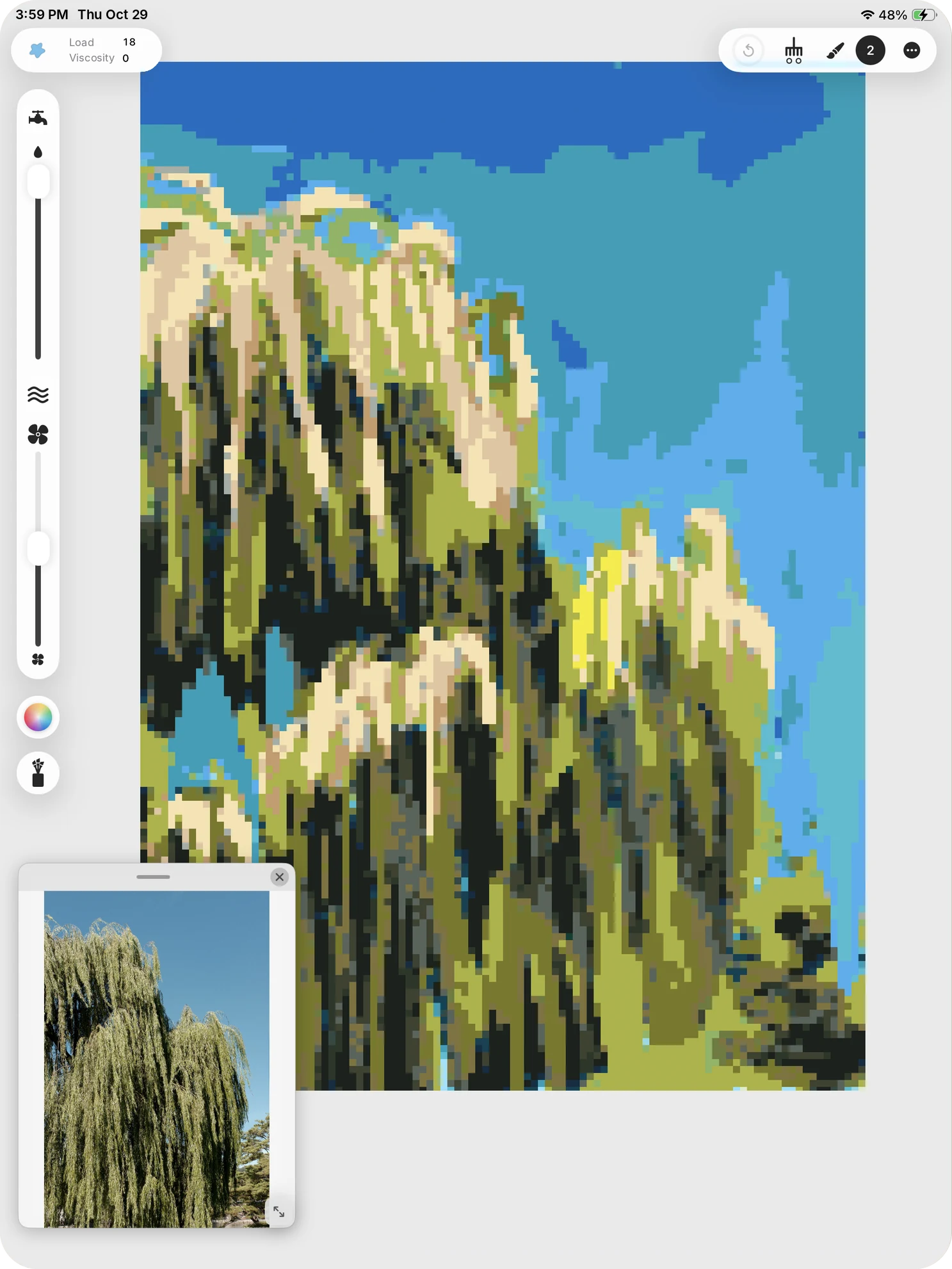
Pixel Art mode keeps every bit of the physics. Paint still runs, merges and dries. Only the picture is read out as pixels, from 16 to 512 across.
Limit the color steps and the paint snaps to a reduced palette. At four steps, every pixel lands on one of 64 fixed colors.
Output
In Solid mode the artwork is measured in millimeters: paper A and B sizes, photo prints, F-size canvases and more. The size is fixed when the artwork is created and cannot change afterward.
| Export | Format | Specification |
|---|---|---|
| TIFF | 16-bit · Display P3 · 300 DPI | |
| Screen | PNG | 16-bit |
| Web | PNG | For posting online |
| Artwork file | .mime | The whole working artwork, wet paint included, to move it to another iPad |
The artwork takes the image’s proportions, and the image opens in the reference window.
A floating window for your source photo. Move it, resize it, zoom into it. It never reaches the export.
Place a drawing under the canvas to paint over. It takes no part in the physics or the output.
Privacy
No accounts, no advertising, no tracking. Everything is processed on the device, and an artwork leaves it only when you export it.
Mimesis Studio for iPad
No subscriptions and no in-app purchases.